Quick Summary
- Core Concept: A patient-friendly website prioritizes ease of use, mobile responsiveness, and clear information to reduce friction.
- Key Stat: Patients are most frustrated by hard-to-find contact details; solving this removes a major barrier to engagement.
- Recommendation: Implement online booking, ensure mobile responsiveness, and create a dedicated patient education section to build trust.
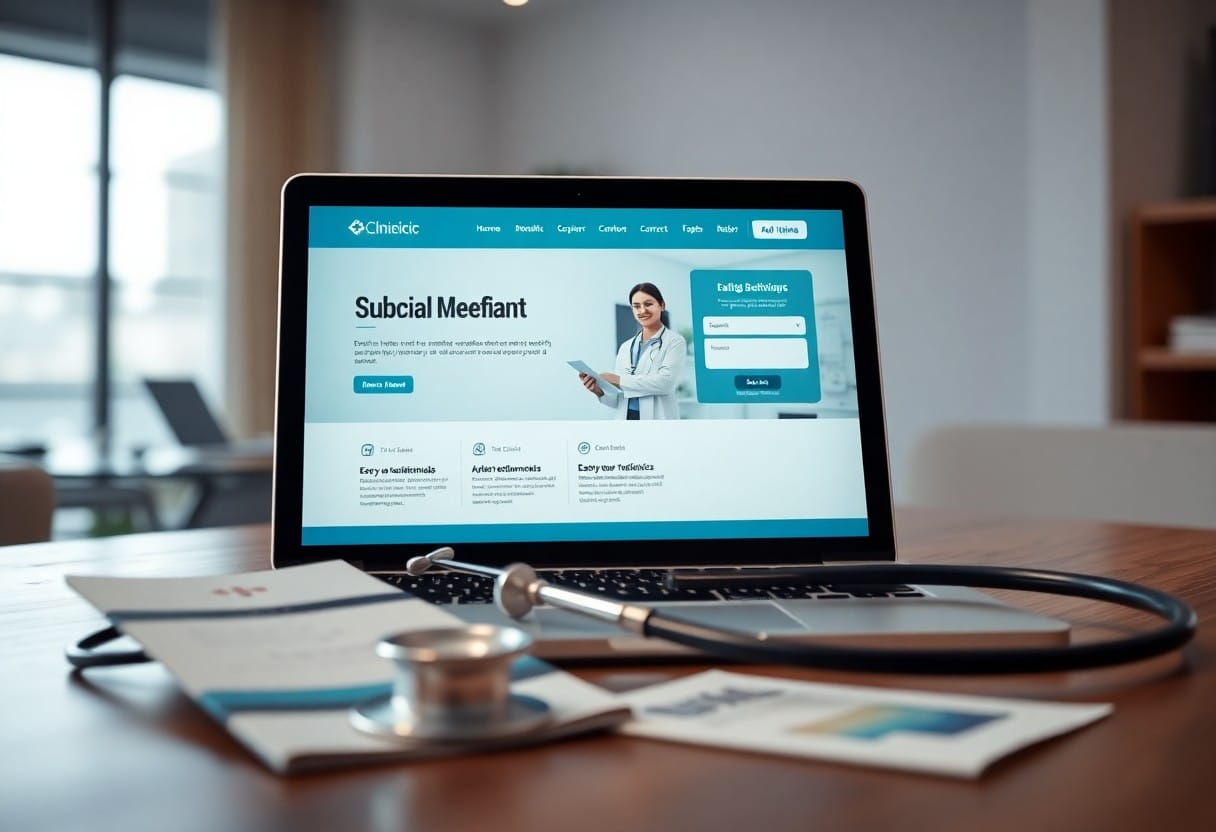
Designing an effective website for your clinic is key to fostering a welcoming online environment for your patients. With a user-friendly platform, you can enhance patient satisfaction, streamline communication, and provide essential information effortlessly.
Understanding Patient Needs
While designing a website for your clinic, it is essential to prioritize the needs of your patients. Understanding what they seek-from ease of navigation to accessible information-can significantly enhance their experience.
Importance of Patient-Centric Design
A patient-centric design is vital for any clinic’s website. When your online presence accommodates the specific needs and preferences of your patients, it improves usability, strengthens relationships, and fosters loyalty.
Common Patient Pain Points
- Confusing navigation and hard-to-find information
- Lengthy, complicated appointment scheduling processes
- Missing or buried contact details
- Non-responsive design on mobile devices
- Lack of clear service descriptions
Patients report the most frustration when they can’t quickly find contact details or when booking appointments feels overly complicated. Solve these two problems, and you’ve removed the biggest barriers to patient engagement.
Key Elements of an Effective Clinic Website
User-Friendly Navigation
Your patients should easily locate critical information such as services offered, appointment scheduling, and contact details without getting lost in complex web pages.
Mobile Responsiveness
A mobile-friendly design not only improves user experience but also boosts your search engine rankings, making your clinic more visible to potential patients. Use responsive design techniques that adapt your site’s layout for optimal viewing on various screen sizes.
Incorporating Essential Features
Online Appointment Booking
Provide patients with the convenience of scheduling visits at their preferred times. A user-friendly booking system reduces phone traffic, decreases waiting times, and ensures patients feel valued.
Patient Education Resources
Create a dedicated section hosting informative articles, instructional videos, and tips for managing health conditions. This positions your clinic as a trusted authority and promotes informed decision-making.
Design Principles for a Professional Appearance
Color Schemes and Branding
Your colors should evoke feelings of calmness and trust, using a palette that reflects your clinic’s values and professionalism. Consider accessibility for all potential patients.
Typography and Readability
Select typography that enhances readability-clean fonts, appropriate sizes, and consistent use throughout your site reinforces brand identity and promotes clarity.
Optimizing for Search Engines
- Quality content incorporating relevant keywords
- Optimized page loading speed and mobile responsiveness
- Google My Business profile optimization
- Patient reviews and local directory listings
- Location-specific content and keywords
Ensuring Compliance and Security
- Adhere to healthcare privacy regulations
- Implement secure communication channels
- Use encryption for data transmission
- Regular security audits and software updates
- Limited access to sensitive areas for authorized personnel
Patient-Friendly Website Checklist
- ☐ Clear, intuitive navigation structure
- ☐ Mobile-responsive design across all devices
- ☐ Online appointment booking system
- ☐ Patient education resources section
- ☐ Professional color scheme and branding
- ☐ Readable typography and font hierarchy
- ☐ SEO optimization with local keywords
- ☐ Secure data transmission (SSL/encryption)
- ☐ Compliance with healthcare regulations
- ☐ Fast page loading times (under 3 seconds)
Conclusion
Creating a patient-friendly online experience involves prioritizing user-friendly design, intuitive navigation, and clear communication. A well-designed website reflects your clinic’s professionalism and fosters trust and accessibility.
Contact Lamanify today to create a patient-friendly website that enhances engagement and grows your practice.
Frequently Asked Questions
What makes a clinic website patient-friendly?
A patient-friendly clinic website features easy navigation, mobile responsiveness, online appointment booking, clear service descriptions, and accessible patient education resources.
Why is mobile responsiveness important for clinic websites?
With a growing number of patients accessing information from smartphones, mobile responsiveness ensures your website displays correctly on all devices, boosting engagement and SEO rankings.
What essential features should a clinic website include?
Essential features include online appointment booking, patient education resources, user-friendly navigation, mobile-responsive design, and clear contact information.

Founder & Creative Director
Azri Omar
Azri is a seasoned digital marketer with over 10 years of experience in brand development and marketing strategies. Graduated with a Master's in Engineering (MEng.) from Sheffield, UK, Azri began his digital marketing journey during his studies, honing his skills in design, copywriting, and crafting impactful digital experiences. Today, he helps clients build professional and highly visible online presences, ensuring their brands thrive in a competitive digital landscape.